Pulse · Apple Watch
One number that matters.
Always on your wrist.
Point Pulse at a value with a tiny webhook and it appears on your watch face — on-call status, a KPI, a price threshold — updated the instant it changes via server push. No polling, no app to open.

Features
Your number, ambient and current.
Push-fed widget
A single number, label, trend and colour — updated the moment it changes, via server push.
Webhook ingest
You get a unique URL. POST a value and your watch face updates. That's the whole setup.
Threshold states
Green, amber and red bands with an optional haptic the moment a state flips.
Multiple channels
A few independent numbers — Queue, Revenue, p95 — each its own widget.
How it works
Three steps, then it's just there.
Get your webhook
Pulse gives you a private URL for each number you want to watch.
POST your number
Send {“value”: 92, “label”: “Queue”} from anything that can hit a URL.
Watch it on your face
It lands on your complication and stays fresh — no polling, no battery drain.
Screenshots
See it on the wrist.
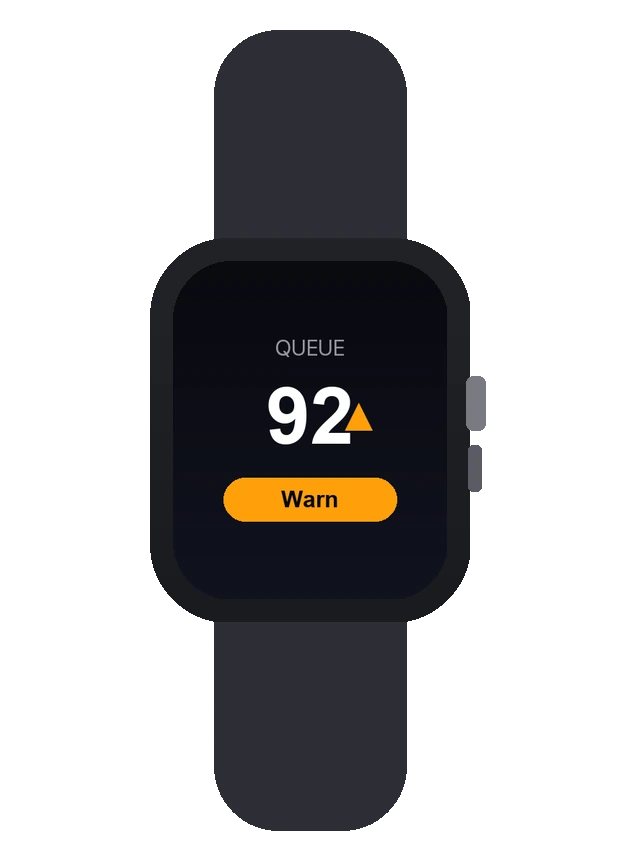
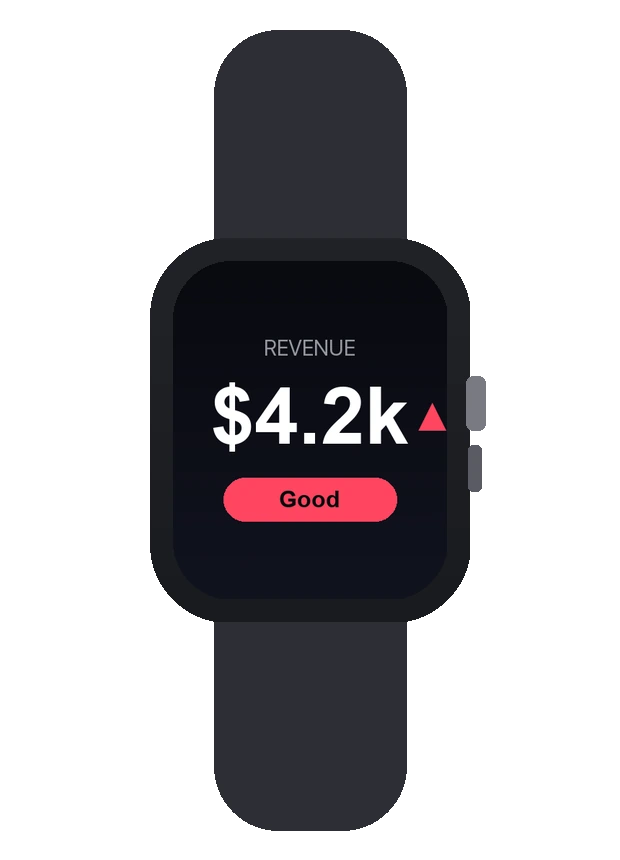
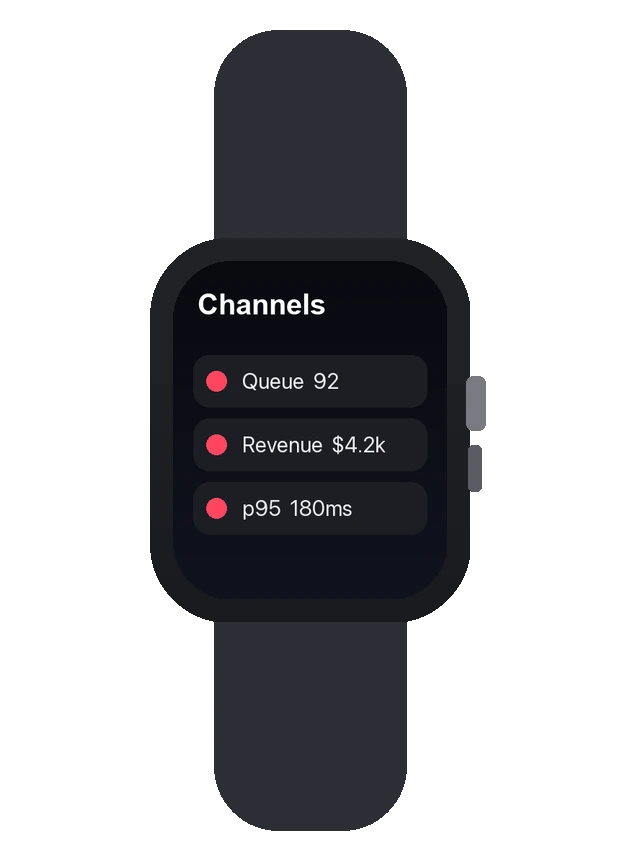
Design preview — final App Store screenshots before launch.
Pricing
One price. Yours forever.
A single one-time purchase — buy Pulse once and keep every feature for good. No subscription, ever.
Pulse One-time
$4.99 · one-time purchase · yours to keep
- Push-updated complication
- Personal webhook channels
- Green / amber / red thresholds
- Optional haptic on state change
- One-time price, no subscription
FAQ
Quick answers.
How does it update so fast?
Pulse uses watchOS push to update the widget the instant your value changes, relayed by Zen Labs' own edge — not background polling.
Is there a subscription?
No — a one-time purchase for the app and your personal channels.
What can I push?
Any webhook-able number: on-call status, a KPI, queue depth, a price threshold, a health check.