Spot · Apple Watch
The right card,
the moment you arrive.
Spot surfaces exactly what you need the instant you arrive — your saved parking spot at the garage, your shopping list at the store. It appears on its own and disappears when you leave.

Features
The right thing, exactly when you need it.
Auto-surfacing cards
Arrive at a garage and your saved spot appears; reach the store and your list does — no hunting.
Save your spot
Level, section, a photo, a note and a return-timer — saved with one tap, recalled when you walk back.
Place checklists
Tie a checklist to a place — groceries, hardware store, gym, airport — and it shows when you get there.
On-device & private
Location logic runs on your device. No ad-funded parking app, no account.
How it works
Three steps, then it's just there.
Save where you parked
One tap stores the level, a photo and an optional walk-back timer.
Walk away
Spot tucks the card away — nothing on your face until it matters.
It's there when you're back
Arrive at the lot and the card surfaces on its own, sub-two-second.
Screenshots
See it on the wrist.
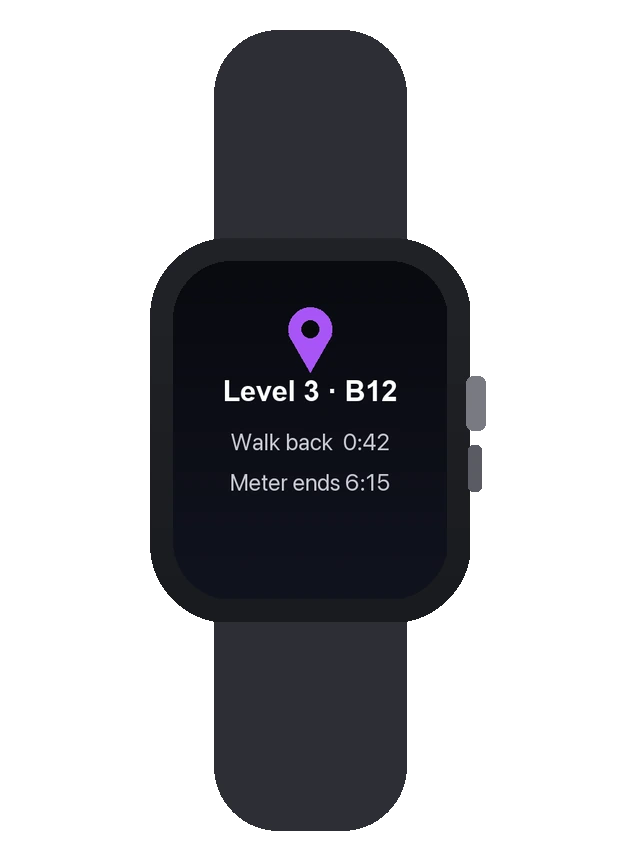
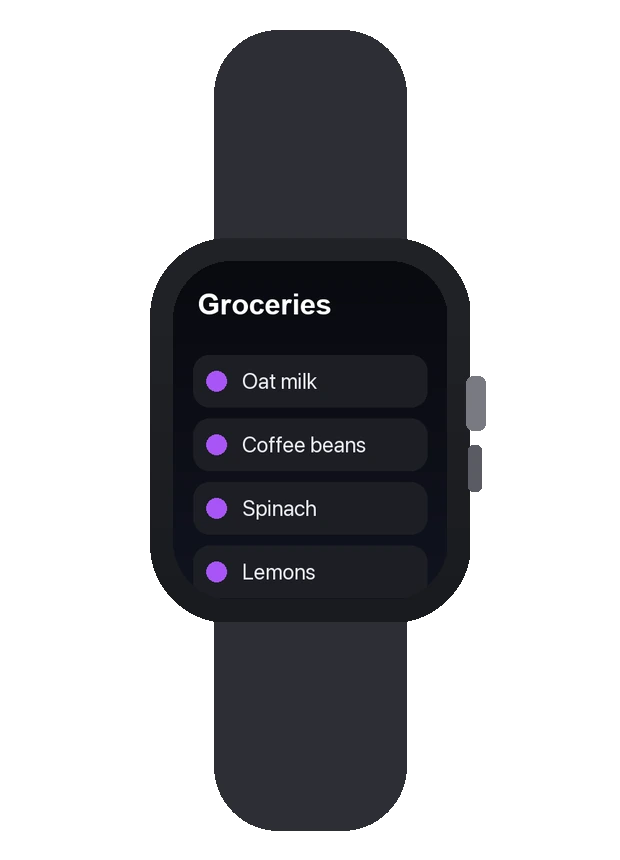
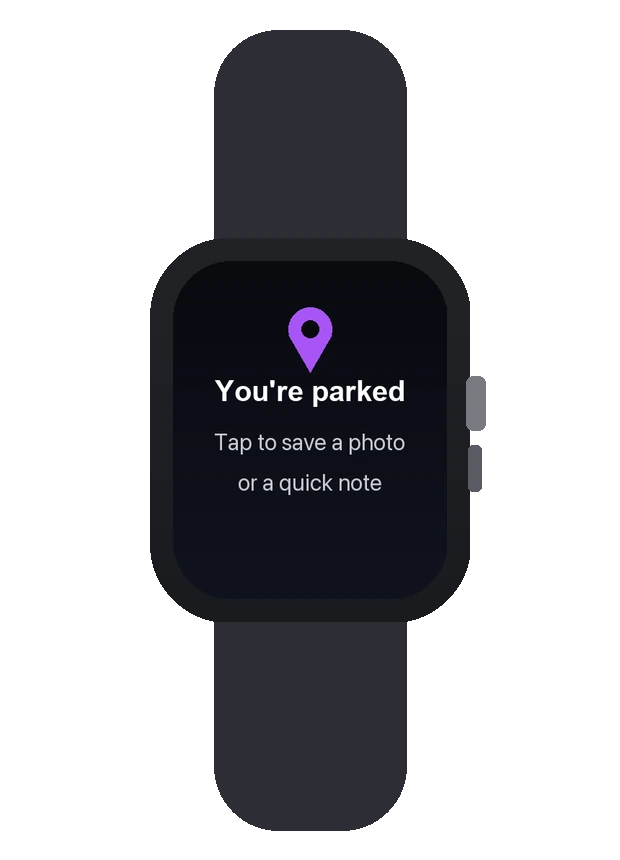
Design preview — final App Store screenshots before launch.
Pricing
One price. Yours forever.
A single one-time purchase — buy Spot once and keep every feature for good. No subscription, ever.
Spot One-time
$4.99 · one-time purchase · yours to keep
- Auto-surfacing arrival cards
- Parking save: level, photo, timer
- Custom place checklists
- On-device, private
- One-time price, no subscription
FAQ
Quick answers.
How does it know I've arrived?
watchOS arrival awareness (RelevanceKit location categories), evaluated on-device — no constant tracking.
Is my location private?
Yes. The logic runs on your device; Spot is not an ad-funded parking app and needs no account.
Do I need watchOS 26?
The auto-surfacing cards need watchOS 26; manual save-and-recall works below it.